Become an AI-powered designer that clients can't stop hiring.
Build the AI workflow that keeps you ahead of designers who are still trying to figure out what AI means for their career.
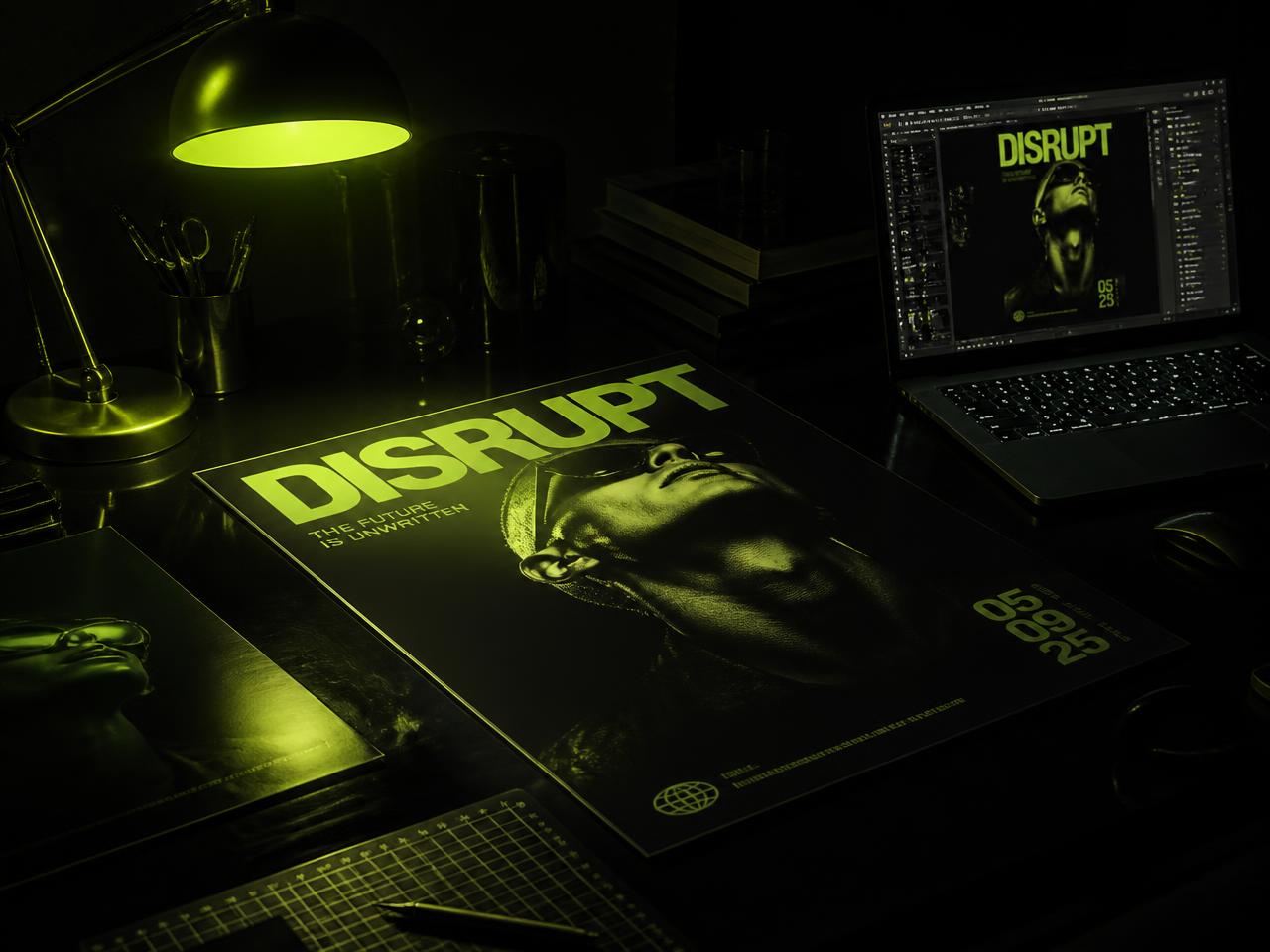 Course visualCourse preview
Don't spend the next five years catching up.
I genuinely believe that in the next few years, every serious graphic designer will be using AI.
The designers who start learning now will have time to understand it, test it, build a workflow around it and figure out where it actually belongs in their work.
Imagine getting to that point while everyone else is only beginning to ask, "How do I use AI for graphic design?"
You've already worked through client briefs with AI. You've already learned how to develop ideas with it, create your own visual assets, build campaigns and take those ideas into Photoshop and Canva to turn them into finished designs.
That's the kind of head start Graphic Design with AI is built to give you.
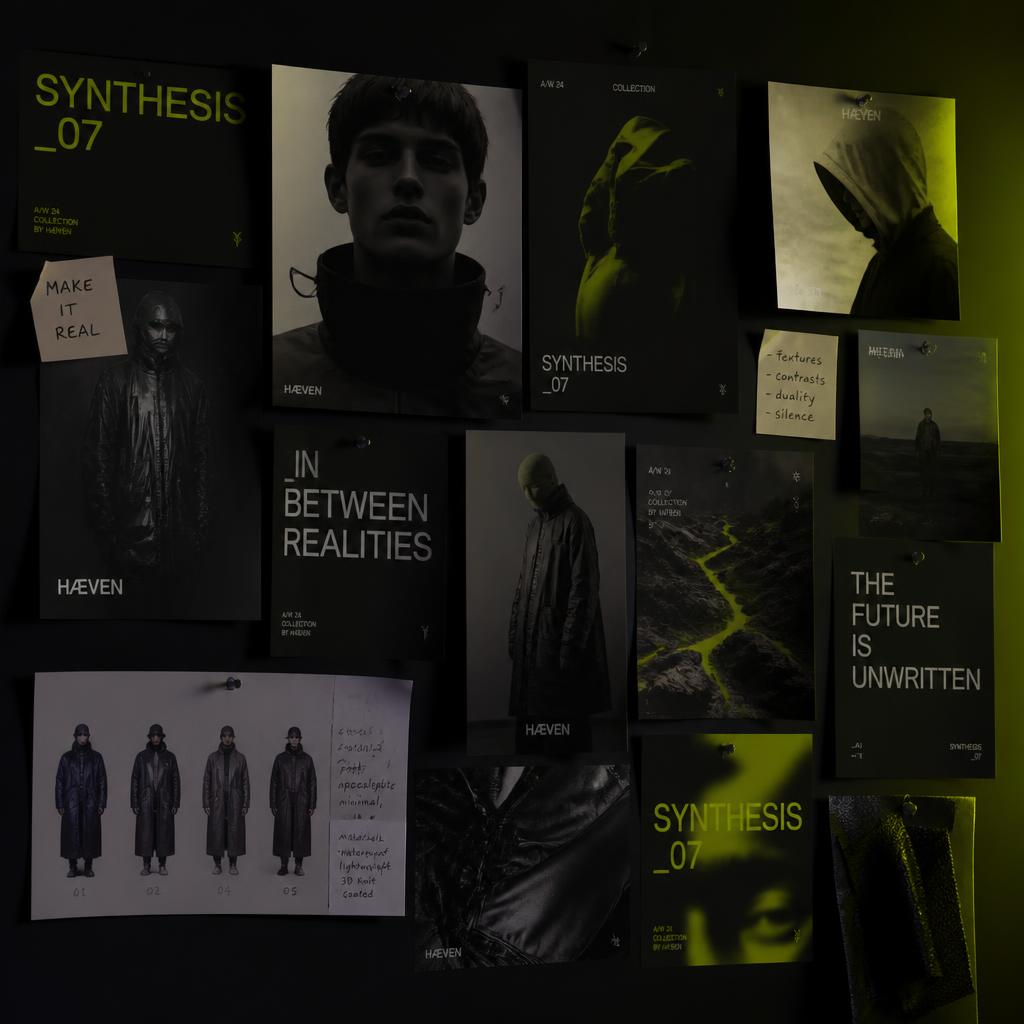
What you'll learn.
Graphic Design with AI is a complete 9-module course built around the way designers actually work. Across 50+ videos, you'll learn how AI fits into the design process, from understanding AI and prompting to image creation, Canva + AI, creative direction and finished design workflows.
- ·Introduction to AI
- ·Your disposition in this era of AI
- ·Categories of AI
- ·AI workflows
- ·The future of graphic design in the era of AI
- ·Traditional workflow vs AI workflow
- ·Understanding the limitations of both
- ·Modern AI design stack
- ·AI tools and their functions
- ·ChatGPT for designers
- ·Claude for designers
- ·Google Flow overview
- ·Understanding the client brief
- ·Research
- ·Creative direction
- ·Moodboards
- ·Concept generation
- ·AI workflow vs traditional workflow
- ·What a prompt is
- ·Why prompts fail
- ·Anatomy of a great prompt
- ·Building better prompts for design work
- ·Refining your prompts
- ·Understanding image generation
- ·Creating backgrounds
- ·AI background editing
- ·AI image generation
- ·AI photography
- ·AI text effects
- ·Creating design assets
- ·Enhancing images with AI
- ·Canva + AI workflow
- ·Creating editable designs on Canva
- ·Creating editable ChatGPT designs on Canva
- ·Creating slides on Canva
- ·Understanding the brief
- ·Research
- ·Campaign direction
- ·Hero model creation
- ·Macro shots
- ·Scene creation
- ·Final AI output
- ·Editing
- ·Campaign setup
- ·Research
- ·Hero model
- ·Building the hero model
- ·Final AI output
- ·Photoshop + AI
- ·Final design
- ·Campaign setup
- ·Research
- ·Composition generation
- ·Building the composition
- ·Creating the visual assets
- ·Final AI output
- ·Photoshop finishing
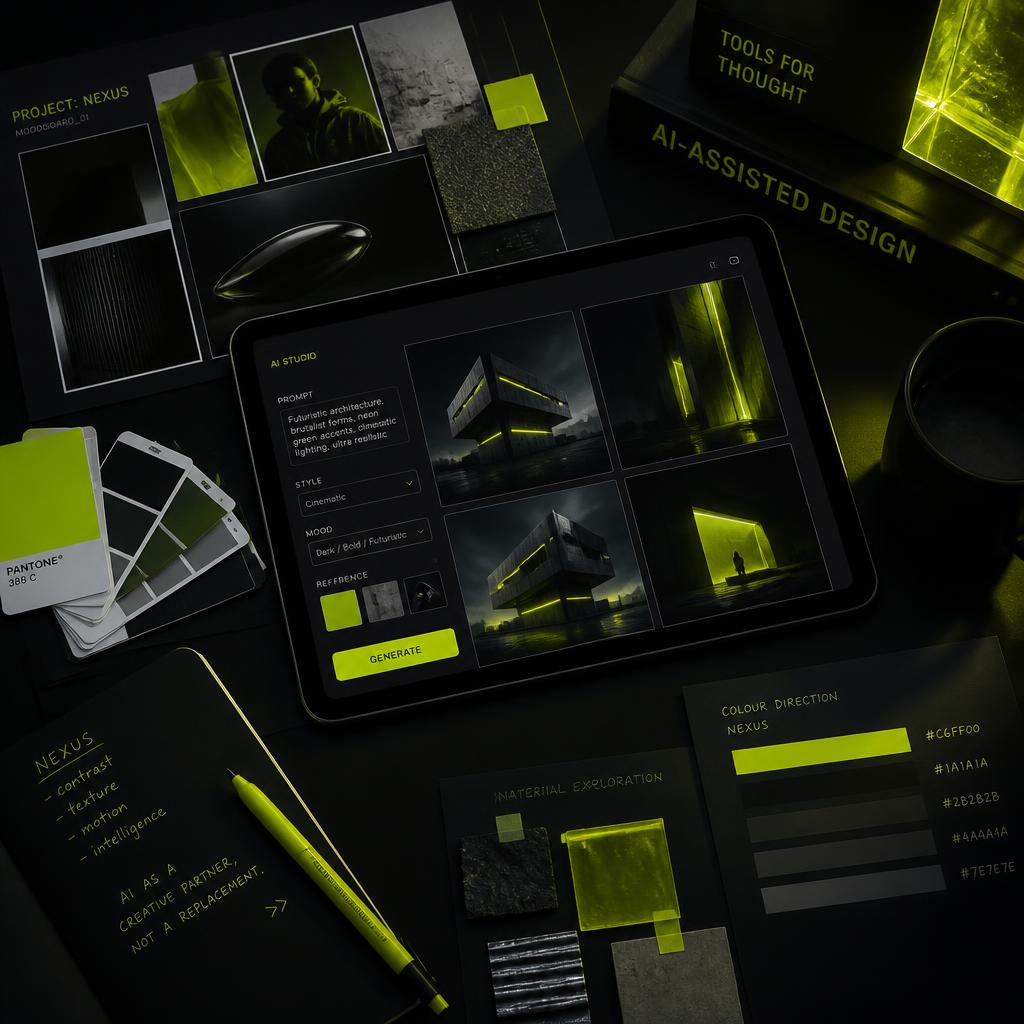
You need a workflow you can actually use
There are AI tools everywhere now.
You can spend months trying different platforms, saving prompts and watching tutorials without ever figuring out how any of it fits into an actual design project.
You'll learn how AI fits into the process you already understand as a designer.
A client gives you a brief. You research. You develop a direction. You create a moodboard. You explore concepts. You create the visual assets. You build the design. You refine it. You deliver.
Throughout that process, you'll learn where AI can help you move faster and where your own creative judgment needs to lead.
By the time you finish, you should be able to take a project from brief to finished design with a clear AI workflow of your own.
And you'll learn how to think through the work
AI doesn't decide what a client actually needs. You do.
You still need to understand the brief, know why a creative direction makes sense, understand what makes a composition work and decide which image belongs in the campaign.
AI can give you options. Your job is knowing what to do with them.
That's why the course spends time on briefs, research, creative direction, moodboards and concept generation before getting deep into production.
You'll become more comfortable making creative decisions, then using AI to help you execute those decisions.
Build the capability. Then use it.
Build a complete AI-powered design workflow
Take a project from brief to final delivery with AI built into the process.
Think through design problems
Develop concepts, research ideas, explore directions and make stronger creative decisions.
Create your own visual assets
Build campaign visuals, photography, backgrounds and other assets around the project you're working on.
Work faster
Use AI for parts of the process that can be done faster, giving you more time to focus on the actual design.
Create work you can show
Build finished design work using the workflow you learn throughout the course.
Give clients more
Approach projects with a wider range of creative possibilities and a workflow that lets you move through the work with more confidence.
Stay relevant
Understand how AI fits into graphic design and have experience using it before it becomes something every designer is expected to know.
Your complete AI designer toolkit
Your course access includes the core course and the additional resources built around it.
- Complete 9-module Graphic Design with AI course✓
- 50+ ready-to-use AI prompts for designers✓
- Prompt Library organised by task✓
- Campaign Frameworks✓
- Portfolio Templates✓
- Figma + Canva AI Walkthrough✓
- AI Video for Designers✓
- Resource Files & Workflow Demonstrations✓
- Lifetime Access✓
- Future Updates✓
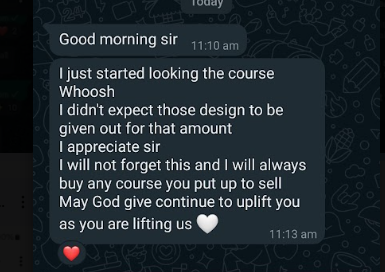
What students are saying about Graphic Design with AI.
Real feedback from designers who have taken the course.
 ChineduGraphic designer, Enugu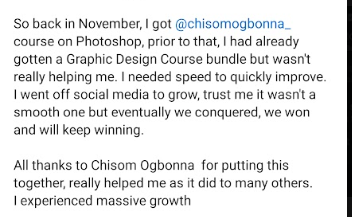
 AmakaBrand designer, Lagos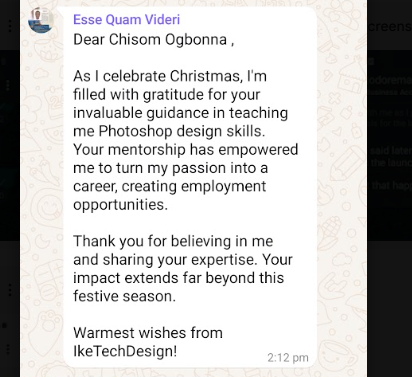
 EmekaDesigner, IkeTechDesign
 TundeFreelance designer, Abuja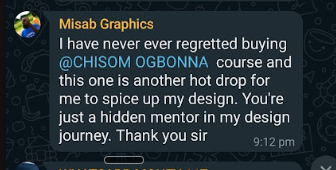
 IfeomaSocial media designer, OwerriChineduGraphic designer, EnuguAmakaBrand designer, LagosEmekaDesigner, IkeTechDesignTundeFreelance designer, AbujaIfeomaSocial media designer, Owerri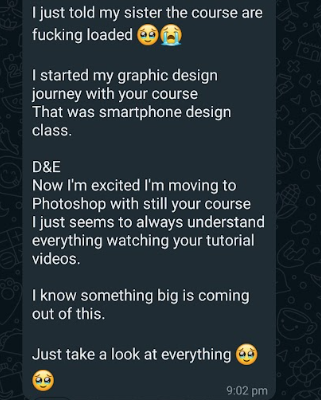
 BlessingJunior designer, Port Harcourt
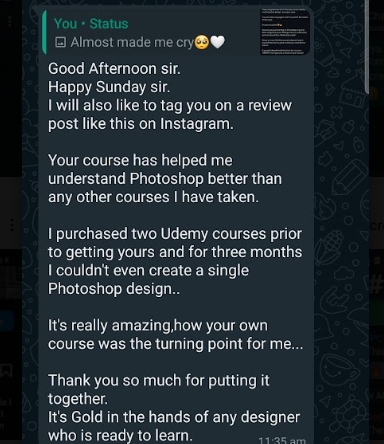 ObinnaProduct designer, Lagos
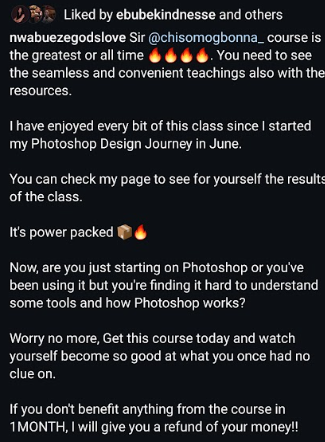 AdaezeDesigner, Awka
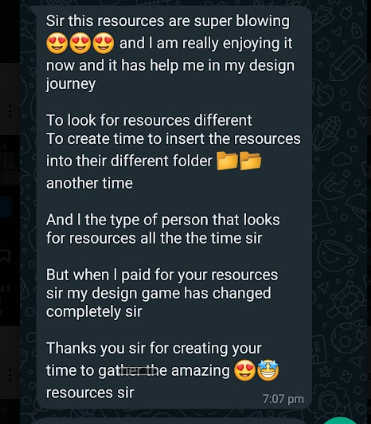 SegunVisual designer, Ibadan
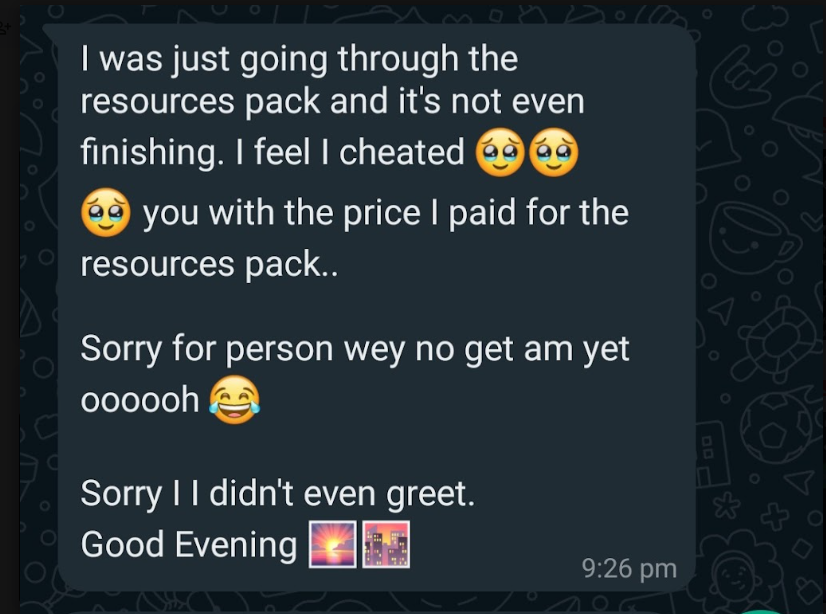 NgoziCreative designer, AbujaBlessingJunior designer, Port HarcourtObinnaProduct designer, LagosAdaezeDesigner, AwkaSegunVisual designer, IbadanNgoziCreative designer, Abuja
The price changes in 2 hours
Right now, you can get Graphic Design with AI for ₦14,900. When the course launches, the price goes back to ₦25,000. You have 2 hours to get in at the launch price.
₦25,000
₦14,900
- ✓Complete 9-module Graphic Design with AI course
- ✓50+ ready-to-use AI prompts
- ✓Prompt Library
- ✓Campaign Frameworks
- ✓Portfolio Templates
- ✓Figma + Canva AI Walkthrough
- ✓AI Video for Designers
- ✓Lifetime Access
- ✓Future Updates
Before you decide.
No. The course teaches how AI fits into the design process and guides you through the required tools.
It's for graphic designers who can already design and have been wondering how AI fits into the work they do.
You'll cover AI tools and their functions, ChatGPT for designers, Claude for designers, Google Flow, Canva + AI, Photoshop + AI, Figma + Canva AI and AI video for designers.
Where do you want to be when AI becomes normal?
You can wait and learn it when you have to. By then, you'll be learning the tools while everyone else is learning them too.
Or you can start now. Learn how AI works. Build your workflow. Practise the workflow. Get comfortable using it. Then keep improving.
I genuinely believe that a few years from now, knowing how to work with AI will be a normal part of being a graphic designer. I'd rather see you become comfortable with it before you need it.